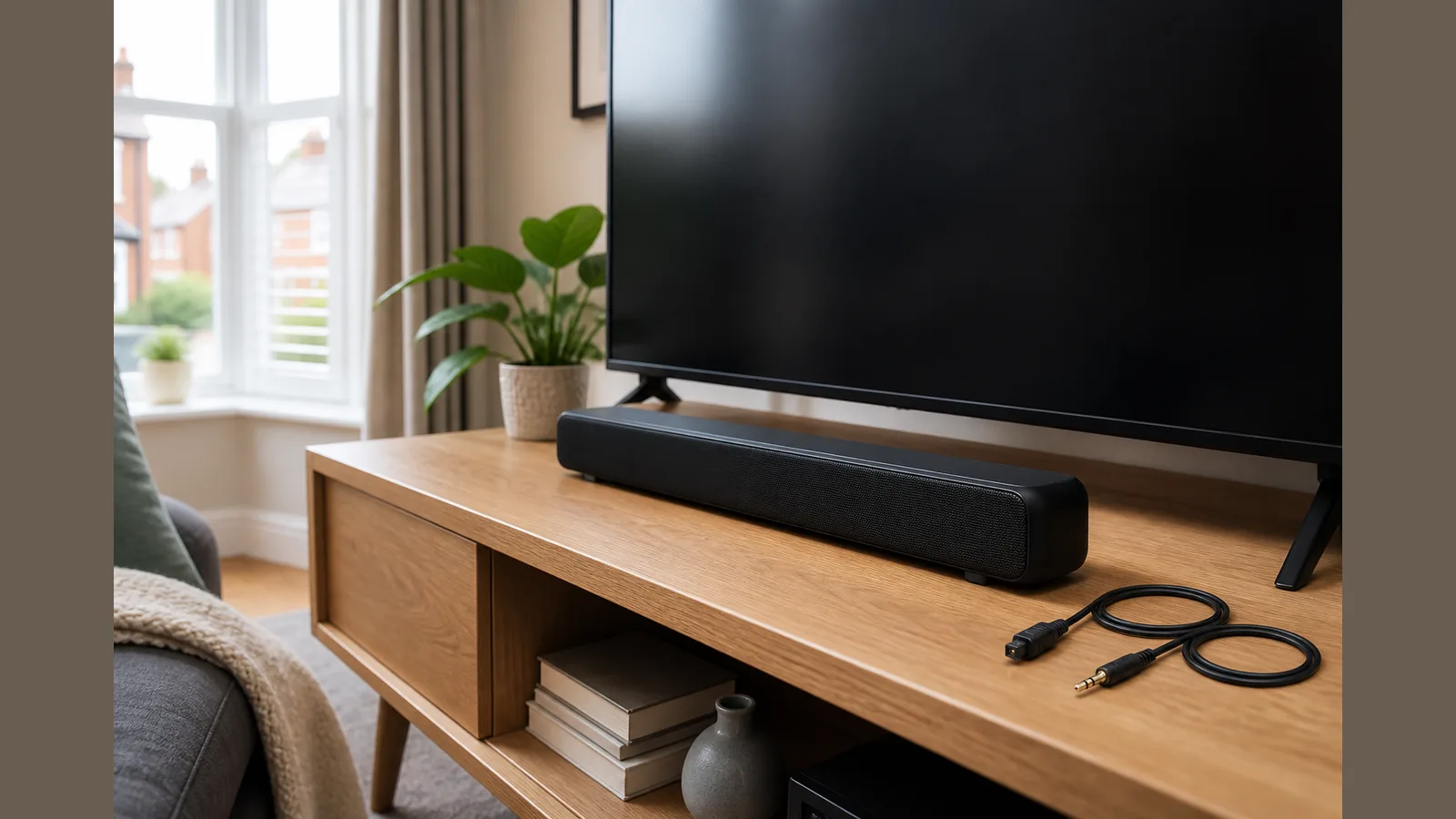
Optical vs AUX Soundbar Connection UK: Which Cable Should You Use?
For an optical vs aux soundbar connection UK setup, prefer an optical (TOSLINK) cable when both your TV and soundbar have matching optical ports; use a 3.5mm AUX cable as the practical fallback for older sets or when optical is missing.
Direct answer: prefer optical when both ends support it; AUX as fallback for older TVs
If both ends support optical, choose that wired path first. Independent UK guidance notes that optical is generally more stable and less interference-prone than AUX for TV sound, while still treating AUX as a compatible fallback when you need analogue connectivity.
Official UK support material also lists optical and analogue AUX as alternatives when HDMI ARC is unavailable, so you are not stuck if your TV lacks ARC. A UK retailer connection guide likewise walks through optical Out-to-In wiring and selecting the matching soundbar input.
What each cable carries
Optical (often called TOSLINK) carries a digital audio signal over fibre between the TV’s optical Out and the soundbar’s optical In. AUX (typically a 3.5mm analogue lead) carries a line-level analogue signal from a headphone or audio Out socket into the soundbar’s AUX input.
They are different signal types, not interchangeable plugs with the same behaviour. Match the cable to the ports you actually have, then select the corresponding input on the soundbar.
UK TV port check
Before buying or swapping cables, check the rear or side of your TV:
- Look for an optical Out (square TOSLINK) if you want the digital wired option.
- Look for a 3.5mm headphone or analogue audio Out if you need AUX.
- Confirm the soundbar has a matching Optical In or AUX In.
UK retailer guidance for soundbar setup covers running optical from Out on the TV to In on the bar, then choosing that input. Official UK manufacturer support similarly points to optical or analogue AUX when HDMI ARC is not available.
Latency and interference differences
Optical’s digital path is generally described as more stable and less prone to interference than AUX for TV sound. AUX remains useful where ports force an analogue link, especially on older televisions.
This article does not claim one option always “sounds better” on every product; choose the connection both devices support and follow the input-selection steps in a reliable UK setup guide.
When Bluetooth is worse for TV
Bluetooth can be convenient for phones or tablets, but for day-to-day TV dialogue and film audio a wired optical or AUX link is usually the clearer choice: it avoids pairing friction and keeps the TV–soundbar path dedicated.
On the Current product details page, the Barvix Compact 132W soundbar lists Optical, AUX, USB and Bluetooth connectivity, with homepage setup steps covering the included Optical or 3.5mm AUX cable, optional Bluetooth pairing, and EQ via the Barvix Smart app. Use Bluetooth when you want wireless playback from a mobile device; prefer optical or AUX for the TV itself.
Next step
Check your TV ports, pick optical when both ends support it, and keep AUX ready for older analogue-only outs. If you want a compact bar that lists Optical and AUX among its wired options, review the Barvix Compact 132W soundbar for connectivity, 2.1 layout with a built-in subwoofer, remote and app control, and the compact roughly 16-inch (400×95×65 mm) form factor.
FAQ
Is optical better than AUX for a soundbar?
When both ends support it, optical is generally the more stable, less interference-prone wired choice for TV sound; AUX is the sensible fallback when only analogue outs are available.
What if my TV has no HDMI ARC?
Official UK guidance lists optical and analogue AUX as alternatives when HDMI ARC is unavailable—use whichever matching ports your TV and soundbar share.
How do I connect optical correctly?
Run optical from the TV’s optical Out to the soundbar’s optical In, then select the optical input on the soundbar, as UK retailer connection guides describe.
Can I use AUX on an older TV?
Yes. A 3.5mm AUX lead from the TV’s headphone or analogue audio Out into the soundbar’s AUX In is the usual workaround when optical is not present.