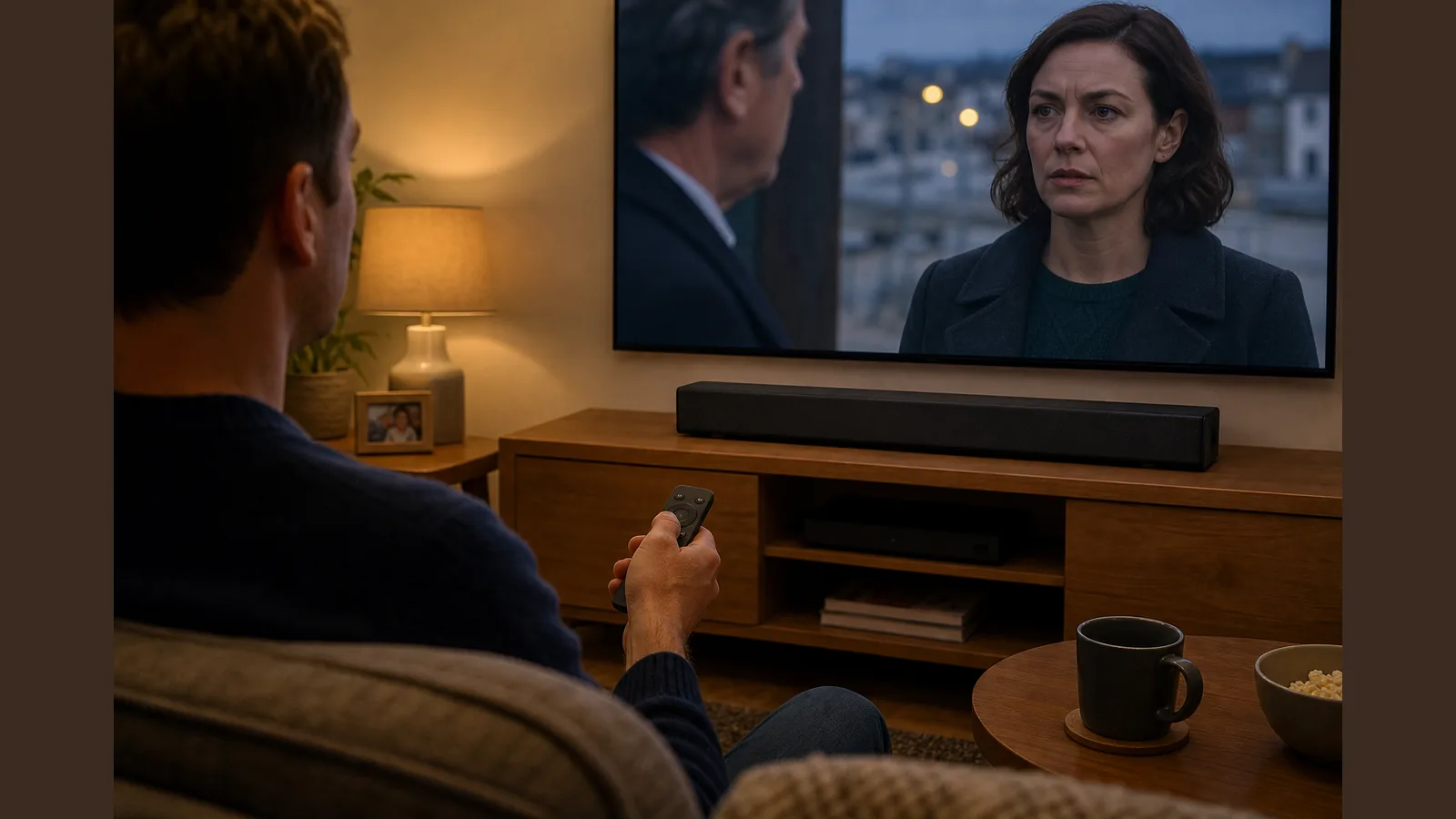
Fix Soundbar Lip Sync Delay UK: Wired First, Then TV A/V Sync
Direct answer: Bluetooth often adds delay; try optical/AUX and TV A/V Sync first
To fix soundbar lip sync delay UK viewers notice most often, switch from Bluetooth to a wired Optical or AUX link first, then use your TV’s A/V sync or audio delay control. Wireless Bluetooth can introduce noticeable delay for video, so a cable path is the practical starting point before chasing settings on sticks or apps.
Tell late vs early audio
Late audio means speech trails the lips; early audio means sound arrives before the picture. Late audio is common with wireless links and extra decoding steps. Early audio is less common and usually points to an aggressive TV delay setting or a mismatched source path. Note which way the mismatch leans before you change anything—that tells you whether to reduce delay, increase delay, or change the connection.
Manufacturer troubleshooting path
Brand support guides follow a similar order: confirm the connection type, then adjust A/V sync. Sony notes that Bluetooth may delay audio by milliseconds and recommends A/V sync adjustments for optical setups. Bose states that wireless Bluetooth can introduce noticeable delay for video. Sonos suggests optical can reduce processing delay in some behind-video cases. Work through those steps in order rather than changing every setting at once.
- Connect with Optical or 3.5mm AUX where available, instead of Bluetooth.
- Open your TV’s sound or expert menu and find A/V sync, lip sync, or audio delay.
- Nudge the delay in small steps while watching dialogue-heavy scenes.
- If audio is still behind the picture on a wired link, try the optical path and re-check sync, as some setups process wireless audio with extra lag.
Bluetooth technology limits
Bluetooth is convenient for music and casual listening, but it is not designed as a zero-latency video soundtrack path. Encoding, buffering and wireless hops add time that wired Optical or AUX avoid. Do not expect a promise of zero latency on any wireless link; treat Bluetooth as optional once picture and speech already match on a cable.
Streaming stick checklist
If the lag appears mainly with a stick or streaming box, keep the soundbar on Optical or AUX and check the stick and TV together:
- Use the stick’s HDMI input on the TV, not a Bluetooth speaker path for video.
- Disable any stick or TV “audio enhancement” or night modes that add processing while you test.
- Match output to stereo PCM if your menu offers it and you are on optical, then retest lip sync.
- Reboot the stick and TV after changing sync so the new delay applies cleanly.
Next step
If you want a compact 2.1 option with Optical, AUX, USB and Bluetooth, plus app and remote EQ in a roughly 16-inch form factor, see the Barvix Compact 132W soundbar product details. Prefer the included Optical or 3.5mm AUX cable for TV dialogue, then use Bluetooth only when wireless convenience matters more than perfect sync.
FAQ
Why does Bluetooth make TV dialogue late?
Wireless Bluetooth can introduce noticeable delay for video because audio is buffered and transmitted separately from the picture. Wired Optical or AUX usually keeps speech closer to the lips.
Should I adjust A/V sync on optical as well?
Yes. Even on optical, TVs and sources still process video and audio on different clocks. Sony recommends A/V sync adjustments for optical setups when Bluetooth-style delay is not the only factor.
Can optical fix audio that sits behind the picture?
It can help in some behind-video cases by cutting wireless processing delay, which is why optical is a useful first change before deeper menu tweaks.
What should I try first in the UK on a typical soundbar?
Use Optical or AUX, set TV A/V sync while watching speech, then only fall back to Bluetooth for non-critical listening. That sequence is the most reliable way to fix soundbar lip sync delay UK households report with wireless TV audio.